Distance Converter
Convert distances between miles, kilometers, meters, and yards in seconds with a simple, accurate distance converter tool.
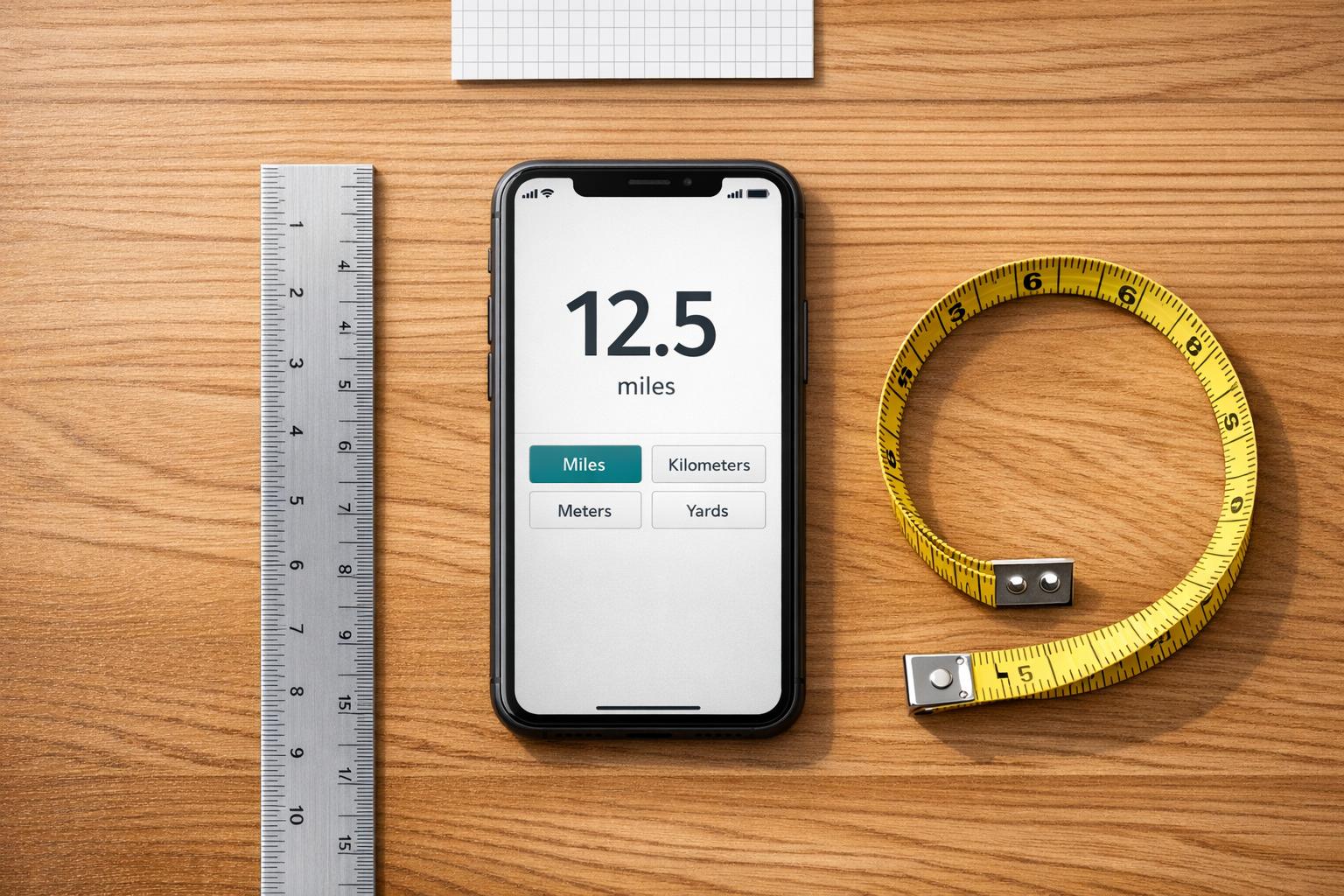
Distance Converter
Simple Distance Conversion Without the Guesswork
A reliable distance converter can save time when you're switching between measurement systems for travel, fitness, schoolwork, or day-to-day tasks. Instead of manually checking formulas or doing quick mental math, you can enter a value, pick the starting unit, choose the target unit, and get a clean result right away.
Built for Everyday Use
This tool supports popular units like kilometers, miles, meters, and yards, making it useful for everything from route planning to track workouts. The layout is straightforward, so you won’t waste time figuring out how it works. It also shows the converted result alongside the original input, which makes comparison much easier.
Accurate and Easy to Read
Precision matters in any distance converter, especially when small differences can affect planning or reporting. That’s why results are calculated using standard conversion formulas and rounded to two decimal places. If the input is invalid or a unit hasn’t been selected, the tool returns a clear error message so you can fix the issue quickly.
For anyone who needs fast, dependable distance conversion online, this is a practical solution that keeps the process simple and accurate.
FAQs
What units can I convert with this distance converter?
You can convert between common distance units such as kilometers, miles, meters, and yards. These are some of the most frequently used units for travel, sports, education, and everyday measurements, so the tool keeps the options practical and easy to use.
How accurate are the conversion results?
The tool uses standard conversion formulas, then displays the final answer rounded to two decimal places. That gives you a result that’s precise enough for most everyday needs while still being easy to read and compare with your original value.
What happens if I enter the wrong input?
If you type a non-numeric value or forget to select either the starting unit or target unit, the tool will show an error message instead of guessing. That helps prevent incorrect conversions and makes it clear what needs to be fixed before trying again.
Related Rockwall Businesses
-
Lead Fuel CRM
Your Entire Business in One App. Phone, email, text, invoicing, contracts, automation, AI, websites, funnels, reviews, s
-
PxlPerfect Designs
At PxlPerfect Designs, we believe in more than just websites and SEO - we believe in helping businesses grow, supporting
-
Cards on the Harbor
Cards on the Harbor is Rockwall's collector store for verified Pokemon singles, rare vintage foils, and factory-sealed b